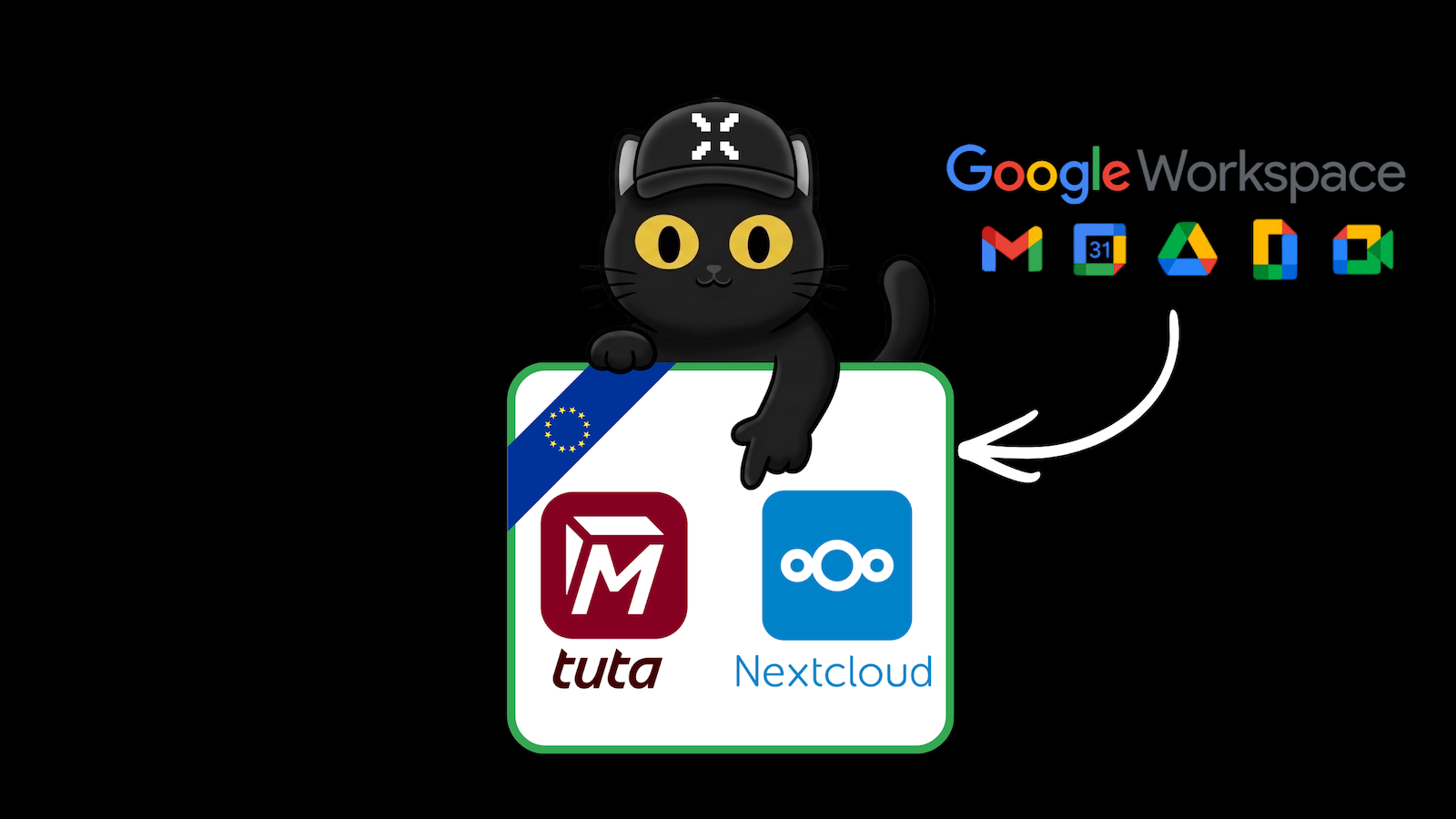
Tuta + Nextcloud: The Encrypted European Alternative to Google Workspace Is Here
The Tuta Mail app is now available in the Nextcloud App Store. Learn how Tuta and Nextcloud work together, how to set up the new integration, and how to achieve digital sovereignty.
Tuta and Nextcloud join forces: your Gmail and Google Drive replacement just got a lot easier
If you have ever tried to leave Google or Microsoft, you know the problem: email is only the first step. You also need a calendar, contacts, file storage, video calls and a place to share documents. Most people give up because the alternatives feel scattered across five different apps and five different logins.
On 1 October 2026, two of Europe's most popular privacy tools took a big step towards solving exactly that. Tuta, the end-to-end encrypted email service from Germany, released an official app in the Nextcloud App Store, plus a new Nextcloud plugin inside Tuta. What this means exactly: your encrypted mail and calendar now live inside your Nextcloud, and the two work seamlessly with each other.
The reaction in the privacy community was immediate. One widely shared comment summed it up as: "Nextcloud and Tuta Mail from Germany can now replace Google Workspace." Is that fully true? Let's look at what really changed, who it is for, and where the limits are.
The short version: Tuta Mail now installs in Nextcloud with one click. You can save email attachments straight into your Nextcloud folders and add a Nextcloud Talk video-call link to any Tuta calendar event. It is free, open source and built in Europe.
First, the basics: what are Tuta and Nextcloud?
If you are new to this world, here is the quick version.
What is Tuta?
Tuta (formerly Tutanota) is a secure email, calendar and contacts service from Germany. Its main difference from Gmail or Outlook is end-to-end encryption by default. Your emails, contacts and calendar entries are encrypted on your device before they ever reach Tuta's servers, so not even Tuta can read them. Even the subject line is encrypted, which many other "private" providers do not do.
Why it is a strong Gmail alternative:
- Encrypted by default, with no setup, no keys to manage and no extra plugins.
- No ads and no profiling. Your inbox is not the product.
- Hosted in Germany under European data protection law (GDPR).
- Open source, so anyone can inspect the code.
- A free plan to get started, with affordable paid plans for more storage and custom domains.
What is Nextcloud?
Nextcloud is an open-source platform that gives you your own "cloud" for files, calendars, contacts, notes, video calls (Nextcloud Talk) and office documents. Think of it as a replacement for Google Drive, Google Calendar, Google Meet and Google Docs in one place, except you decide where it runs. You can host it yourself, or choose a managed provider in Europe.
Why it is a strong Google Workspace alternative:
- You control your data. Run it on your own server or with a provider you trust.
- One home for everything: files, calendar, contacts, chat, calls and documents.
- Open source and extensible through a large app store.
- Developed in Germany and widely used by governments, universities and companies that care about digital sovereignty.
Together, they cover the two things people miss most when leaving Big Tech: private communication (Tuta) and private collaboration and storage (Nextcloud).
What exactly is new? The Tuta app in Nextcloud
There are two parts to this release, and it helps to keep them apart.
1. The Tuta Mail app inside Nextcloud
In the Nextcloud App Store you can now find the official Tuta Mail app. Once installed, you can use Tuta right inside your Nextcloud, much like the normal Tuta web client, without opening another tab or logging in somewhere else.
One thing to know: the Nextcloud admin has to install it, like any other Nextcloud app. If you run your own Nextcloud, that is you. If you use a family, company or hosted Nextcloud, ask your admin or provider to enable it.
2. The Nextcloud plugin inside Tuta
Tuta also introduced a plugin system, and Nextcloud is the first officially supported plugin. Once it is switched on, you get two very practical features:
- Save attachments to Nextcloud with one click. Got a PDF or contract by email? Send it straight into the right Nextcloud folder, no download and re-upload needed.
- Add a Nextcloud Talk link to calendar events. When you create an event in Tuta Calendar, you can add a Nextcloud Talk video call link in the location field automatically.
Tuta says the plugin has to be activated by an admin under Settings → Plugins. If you are the only user on your Tuta account, that is you.
Why can't I just add Tuta to the normal Nextcloud Mail app?
Good question. Most email apps connect through standard protocols called IMAP and SMTP. Because Tuta encrypts everything end to end, it deliberately does not offer IMAP access, as that would mean decrypting your mail on a server. That is exactly why a dedicated Tuta app was needed. It keeps the encryption intact while still giving you a smooth Nextcloud experience.
How to set up Tuta with Nextcloud (step by step)
- Get a Tuta account. Sign up at tuta.com. The free plan is sufficient for trying this out. You can also add your own domain later on.
- Install the app in Nextcloud. As Nextcloud admin, open the Apps section, search for Tuta Mail (or visit the App Store page) and click Download and enable.
- Open Tuta from your Nextcloud menu and log in with your Tuta credentials.
- Activate the plugin in Tuta. Go to Settings → Plugins in Tuta and enable the Nextcloud plugin.
- Try it. Open an email with an attachment and save it to Nextcloud. Then create a calendar event and add a Talk link.
Tip: the integration only works if the Tuta Mail app is installed on your own Nextcloud instance.
Why this matters: a European, "buy European" stack
Tuta and Nextcloud say they are seeing a clear trend: people and companies no longer want to swap one Big Tech platform for another single provider and risk vendor lock-in again. They want several independent, sovereign tools that work well together.
This release is a good example. Both projects are open source and developed in Germany, which means European law, European servers and no dependence on US cloud giants. Tuta also describes it as the start of something bigger: the plugin system is open, and developers can already build their own plugins using the documentation on GitHub. It follows Tuta's recent add-on for Thunderbird, which pursues the same idea: let people keep using the tools they like, but with encryption underneath.
Can Tuta + Nextcloud really replace Google Workspace?
For many private users, families and small teams: largely yes.
| What you used | Your replacement |
|---|---|
| Gmail | Tuta Mail |
| Google Calendar | Tuta Calendar |
| Google Contacts | Tuta Contacts |
| Google Drive | Nextcloud Files |
| Google Meet | Nextcloud Talk |
| Google Docs and Sheets | Nextcloud Office |
To stay honest, there are some limits. Nextcloud needs hosting (self-hosted or through a provider), the Tuta app has to be installed by an admin, and very large organizations with complex Microsoft or Google workflows will need to plan the move carefully. Still, for most people, this is the closest we have been to a complete, encrypted, European "Google Workspace".
Tuta vs. Gmail: why switch?
| Gmail | Tuta Mail | |
|---|---|---|
| Encryption | In transit, Google can read your mail | End-to-end, incl. subject lines |
| Business model | Advertising and data | Paid plans, free tier available |
| Location | US company | Germany, GDPR |
| Source code | Closed | Open source |
| Nextcloud integration | Not available | Official app and plugin |
Prefer Posteo? Here is the alternative setup
Tuta is not the only privacy-friendly option, and some readers will already have a Posteo mailbox. Posteo, also from Germany, is a very affordable, ad-free and sustainable email provider (it costs about 1 euro per month). It supports PGP encryption and encrypts your stored mail on its servers, and it uses open standards, which means it works with Nextcloud, just differently.
The key difference: there is no dedicated Posteo app or plugin for Nextcloud. Instead, you connect Posteo through standard protocols (IMAP/SMTP for mail, CalDAV for calendars, CardDAV for contacts). That is very reliable, but you do not get the Tuta-style one-click extras such as saving attachments directly to Nextcloud from the mail view, or creating a Talk link from the mail calendar.
Short setup guide for Posteo + Nextcloud:
- Mail: In Nextcloud, install the Mail app, then add your Posteo account as an IMAP account using your Posteo email address and password. The Nextcloud Mail app accepts any IMAP account.
- Calendar: In Nextcloud Calendar, add a new calendar using CalDAV and enter your Posteo CalDAV address and login.
- Contacts: In Nextcloud Contacts, add your Posteo address book using CardDAV in the same way.
Check Posteo's help pages for the current server addresses and ports before you start, as they can change.
Tuta or Posteo?
| Tuta + Nextcloud | Posteo + Nextcloud | |
|---|---|---|
| Read and write mail in Nextcloud | Yes, via the Tuta app | Yes, via Nextcloud Mail (IMAP/SMTP) |
| Calendar and contacts | Yes, with Tuta integration | Yes, via CalDAV / CardDAV |
| Save attachments to Nextcloud in one click | Yes (Tuta plugin) | No, use download/upload or Nextcloud Files |
| Talk link from calendar event | Yes, built in | Partly, through Nextcloud Calendar |
| End-to-end encryption by default | Yes | No (PGP is optional) |
| Own app in Nextcloud App Store | Yes | No |
Our take: choose Tuta if you want the deepest integration and encryption by default. Choose Posteo if you want a simple, low-cost mailbox that plays nicely with open standards.
Tuta + Nextcloud FAQ
Is the Tuta app for Nextcloud free?
The Nextcloud plugin and the Tuta app are free to use, and Tuta also offers a free email plan. Tuta says the integration is free and 100% European.
Do I need to host Nextcloud myself?
No. You can run Nextcloud yourself or use a managed Nextcloud from a provider. In both cases, the Nextcloud admin needs to install the Tuta Mail app.
Does Tuta work with the normal Nextcloud Mail app?
No. Tuta does not support IMAP because of its end-to-end encryption, so it has its own dedicated app in the Nextcloud App Store.
What can the Tuta Nextcloud plugin do?
It lets you upload email attachments to Nextcloud with one click and add a Nextcloud Talk link when you create a Tuta Calendar event.
Is Posteo end-to-end encrypted?
Posteo supports PGP and encrypts mail storage, but unlike Tuta it is not end-to-end encrypted by default.
Can I use Posteo with Nextcloud?
Yes. Use the Nextcloud Mail app (IMAP/SMTP), plus CalDAV for calendars and CardDAV for contacts. There is no dedicated Posteo app.
Can Tuta and Nextcloud replace Google Workspace?
For many private users and small teams, yes: Tuta covers mail, calendar and contacts, and Nextcloud covers files, calls and documents.
Is Tuta open source?
Yes. Tuta is open source, and so is Nextcloud.
Ready to leave Big Tech behind? Try Tuta, grab the Tuta Mail app for Nextcloud, and explore more privacy-first alternatives on the xPrivo blog.
Sources
- Tuta: The Tuta app has landed in the Nextcloud App Store! https://tuta.com/blog/tuta-app-on-nextcloud
- Nextcloud App Store: Tuta Mail https://apps.nextcloud.com/apps/tutamail
- Posteo: help pages on IMAP, CalDAV and CardDAV https://posteo.de/en/help